


Featured Guides
Start With the Information You Need
Understand the difference between the two self-paced training options and select the course that matches your needs.
.png)
HPC vs. WDO: Which Training Do You Need?
Compare Georgia license categories before choosing a course.
.png)
Georgia CEU Renewal Checklist
Prepare your training records, deadlines, and certificates.
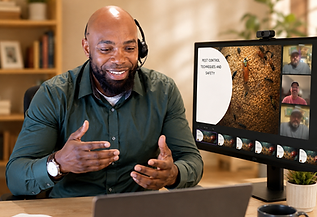.png)
How Online Pest-Control Training Works
See the path from enrollment to lessons, assessment, and certificate.
Training Support
Everything You Need After You Enroll
Access training, resume lessons, and keep completion records organized from one clear dashboard.


Learn Anywhere
Continue from phone, tablet, or desktop.
Clear Course Steps
Move through lessons and assessments without guesswork.
Secure Enrollment
Purchase courses and webinar tickets through a protected checkout.
How It Works
Choosing Between HPC CBT and WDO CBT
Understand the difference between the two self-paced training options and select the course that matches your needs.
01
Review the Course Details
Check the course format, CEU hours, access period, price, and completion requirements.
02
Enroll and Pay Securely
Create or access your account and complete your purchase through the secure checkout process.
03
Open Your Student Dashboard
After enrollment, log in and find the WDO course under My Courses.
05
Access Your Certificate
After completing the applicable requirements, access your available certificate from the Certificates section.
04
Complete the Lessons
Work through each lesson at your own pace while your progress is automatically recorded.
Resource Library
Popular Pest-Control Guides & Checklists
Practical support for Georgia professionals before, during, and after training.
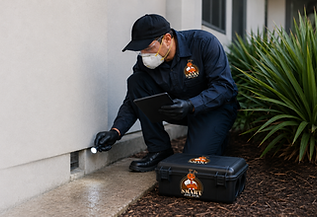.png)
HPC vs. WDO Training Guide
Understand license categories before choosing a course.
.png)
Live Webinar Preparation Guide
Know what to expect before your instructor-led session.
.png)
Georgia CEU Renewal Checklist
Prepare required training records and completion documents.
.png)
Certificates & CEU Records
Find, download, and organize proof of completion.

How CBT Courses Work
Follow the path from checkout to lessons and assessment.
.png)
Student Dashboard Quick Start
Find courses, progress, certificates, and account details.
